Skip to content
MediumPlace

Free markdown to Medium converter that keeps your headings, quotes and code in one paste

Markdown to Medium, free: paste your draft, copy the preview, then paste it into your Medium story.

Preview, as it will look in Medium

What changed

    Embed this tool

    Agents and scripts: the look comes from the address https://mediumplace.org/embed/markdown-to-medium-converter (theme, accent, bg, radius), and so do the tool's inputs. llms.txt names every tool.

    Pasted Markdown arrives as symbols, pasted rich text arrives as a story

    Paste raw Markdown into Medium and the # and ** stay on the page as typed characters. The converter turns the Markdown into formatted text first, so headings, bold, links, quotes and code land the way you wrote them. Whatever has no place in Medium is listed under the preview before you paste.
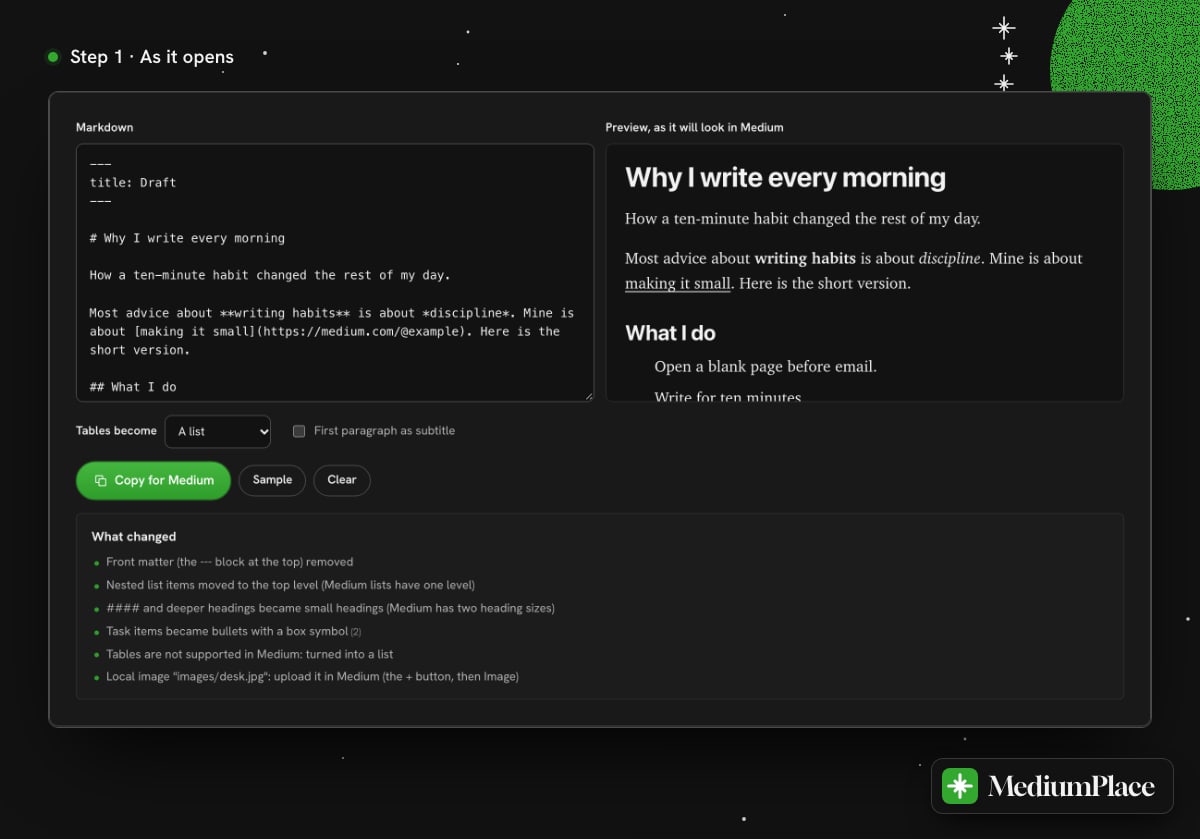
    Free markdown to Medium converter: the tool as it opens
    Step 1: a first look at the Free markdown to Medium converter, before anything is typed.
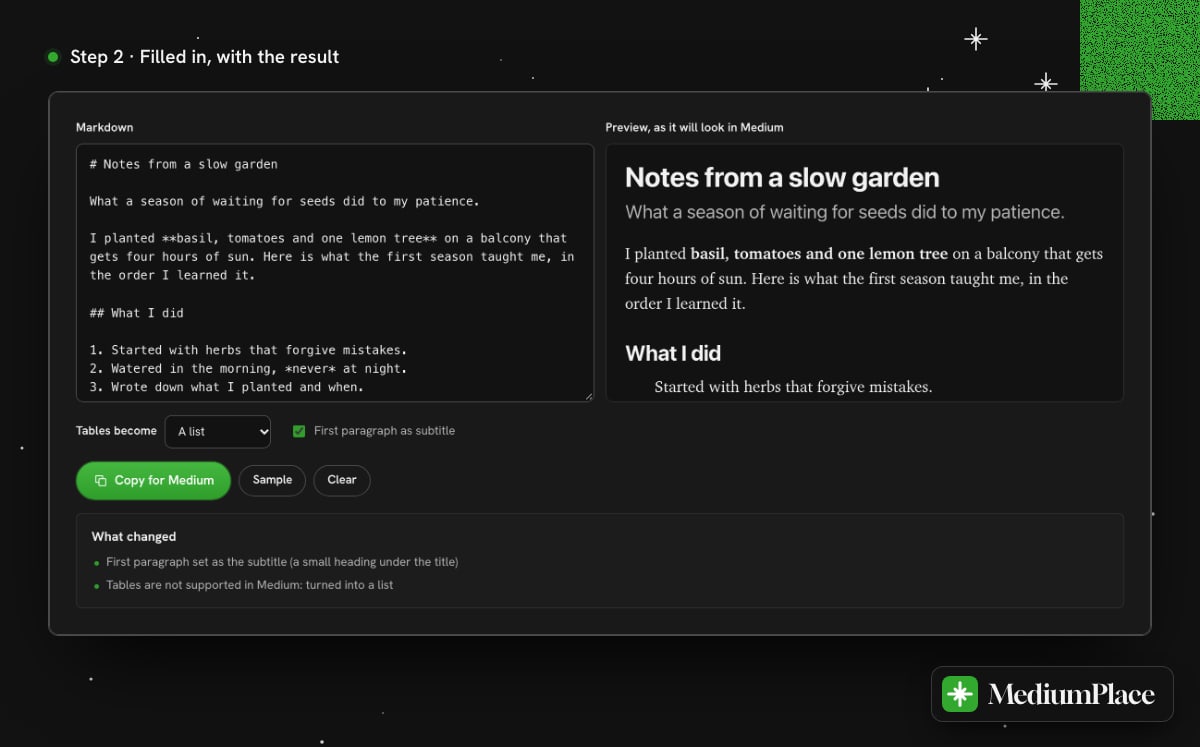
    Free markdown to Medium converter: the tool with an example filled in and its result
    Step 2: sample inputs on top, the Free markdown to Medium converter's answer below.
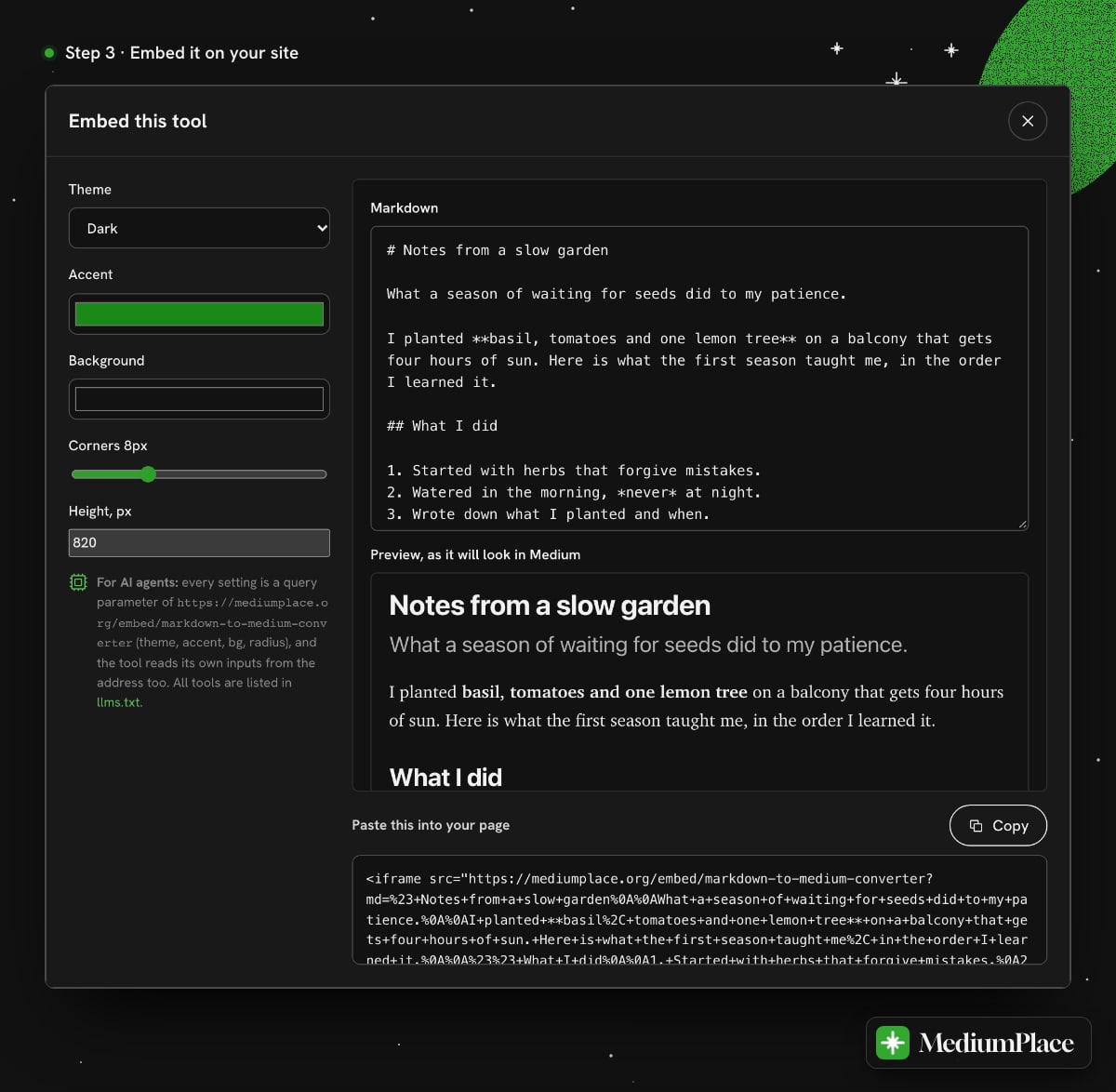
    Free markdown to Medium converter: the Embed window with its settings and code
    Step 3: the Embed window, where the Free markdown to Medium converter gets its colours and its iframe.

    Three moves turn a draft into a formatted story

    1. Paste your Markdown into the left box. A sample waits there to start with, and Clear empties it.
    2. Read the preview and the What changed list. Choose whether tables become a list or a code block, and tick the subtitle box when your first paragraph is the subtitle.
    3. Press Copy for Medium, click into your story in Medium, and paste with Ctrl+V or Cmd+V.

    Myth and Reality: what a Markdown draft does once it reaches Medium

    Myth: every heading level survives.

    Reality: a story has a title and two heading sizes. The first # goes on top as the title, ## is the large heading, and ### and deeper are the small one. The list under the preview tells you when #### or below got folded in.

    Myth: a table pastes as a table.

    Reality: the editor has no table. Each row becomes a bullet with the column names in bold, or a monospaced block when you choose code.

    Myth: nested bullets stay nested.

    Reality: Medium's lists are simple, so nested items move up to the main list and checklist items become bullets with a box symbol.

    Myth: a picture path from your folder uploads itself.

    Reality: images with a web address are kept in the pasted text, while a local path becomes a marked placeholder line. Upload that picture in Medium with the + button and Image.

    Myth: a quote arrives in either quote style.

    Reality: the large pull-out style comes from clicking the quote button twice. Paste the quote, select it, and click twice.

    Set the title, the subtitle and the picture inside Medium right after the paste

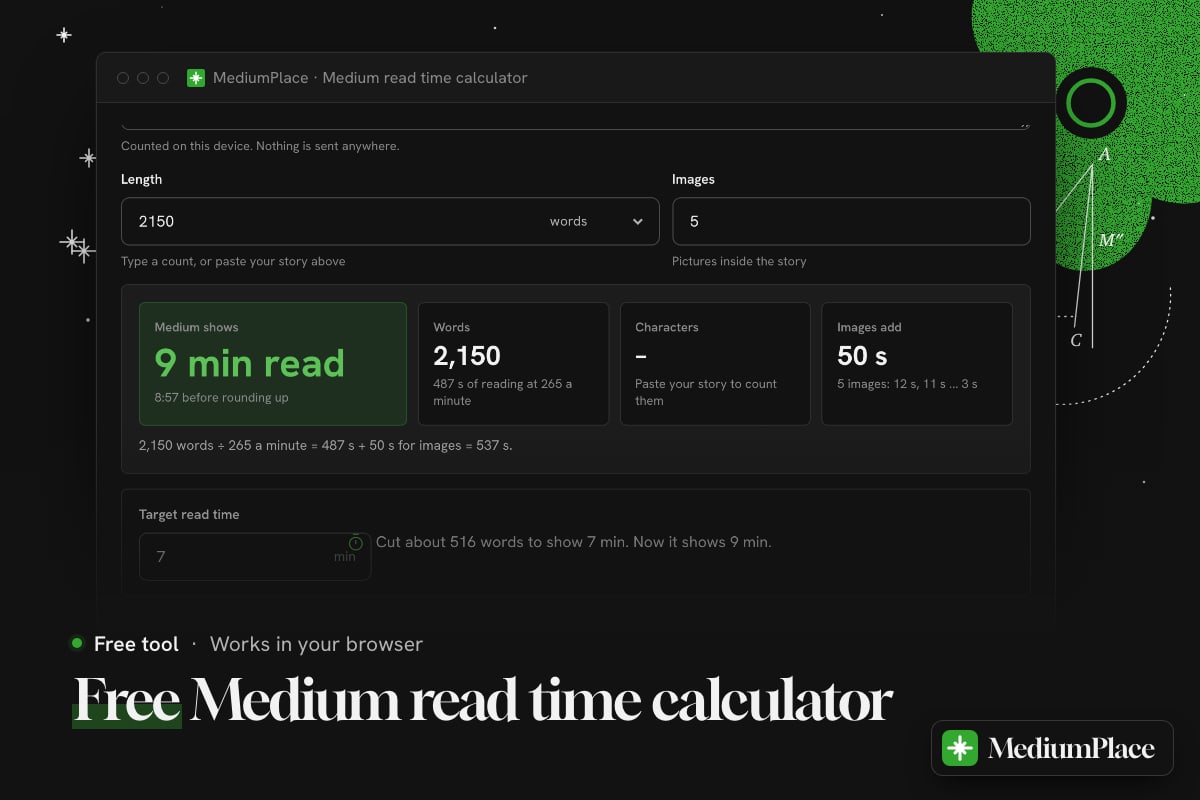
    A header on the first line of a story becomes its title, and a small header right under it becomes the subtitle, so check both lines first. Then add a cover picture sized with our image resizer, pick topics with the tags generator, and time the read with the read time calculator. After you publish, writers on MediumPlace clap for stories by hand, and it costs nothing.

    Scroll the pasted story once in Medium's own preview, stopping at the code blocks and the quote, before you press Publish.
    More from MediumPlace

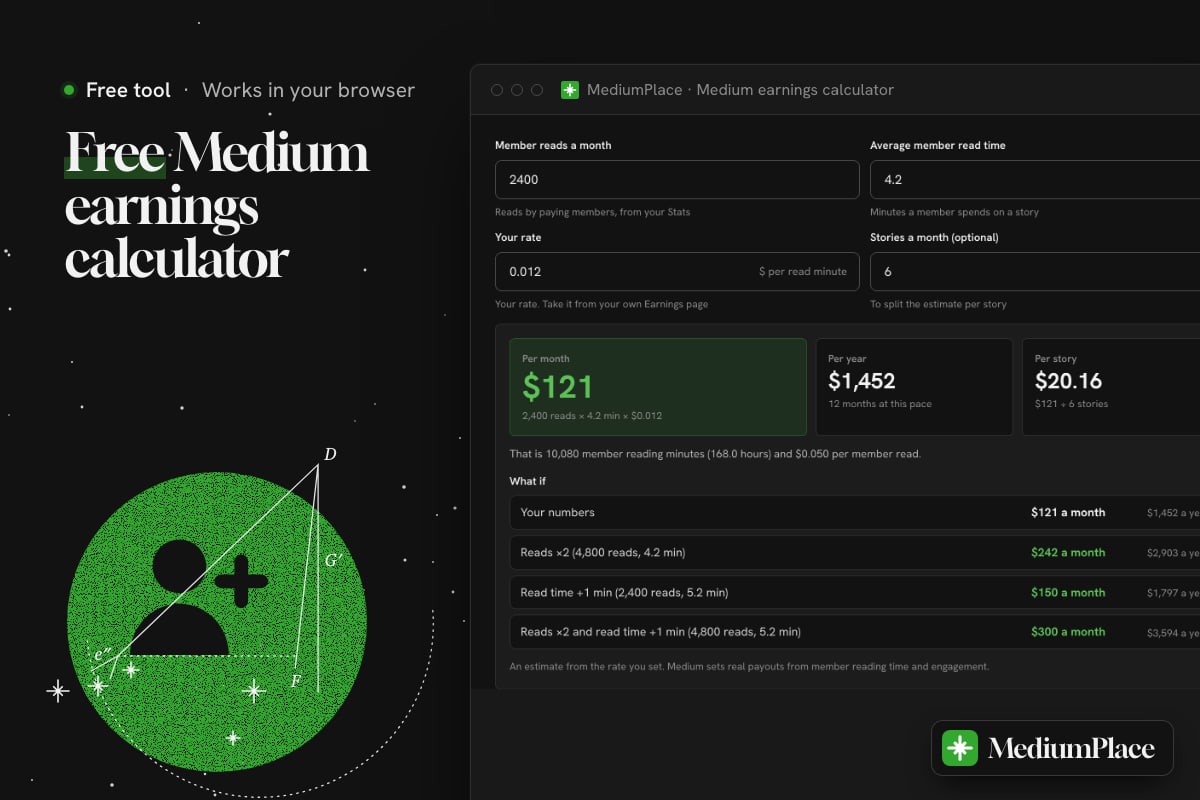
    Cover for "Buy Medium claps doesn't make sense: bought claps are only numbers, while real claps are free here"MediumPlaceBuy Medium claps doesn't make sense: bought claps are only numbers, while real claps are free hereBuy Medium claps and you get numbers from accounts that never read. Real claps from verified writers are free on MediumPlace, by hand.Nov 27, 2026Free Medium earnings calculator: the tool with a finished resultMediumPlaceFree Medium earnings calculator: estimate a month and a year from your own rateFree Medium earnings calculator for Partner Program writers: enter member reads, read time and your own rate, get monthly, yearly and per-story results.Nov 27, 2026Free Medium read time calculator: the tool with a finished resultMediumPlaceFree Medium read time calculator with a target box that tells you how many words to cutFree Medium read time calculator: paste your story or type a word count, add images, and get Medium's read time plus the words to cut or add.Nov 27, 2026Medium boost: the tool with a finished resultMediumPlaceMedium boost: Medium picks the stories, and early support from real writers is free hereMedium boost explained: Medium curators pick stories, nominations ended in 2026. Get early claps, responses, saves and follows from real writers free.Nov 27, 2026

    Questions people ask

    Is the markdown to Medium converter free?

    Yes. It needs no sign-up, and your text stays in your browser.

    Why did my table turn into a list?

    Medium's editor has no table, so each row becomes a bullet with the column names in bold. Pick A code block in the Tables menu to keep the columns lined up.

    What happens to HTML tags in my Markdown?

    They show as plain text in the preview, so you can spot them and delete them before copying.

    Does Copy for Medium work in every browser?

    Current browsers copy the formatted text with one press. Where that is blocked, the tool selects the preview so you can copy it yourself.

    A world of readers, one link away

    Writers with real profiles · your Medium password stays yours · free, with no conditions