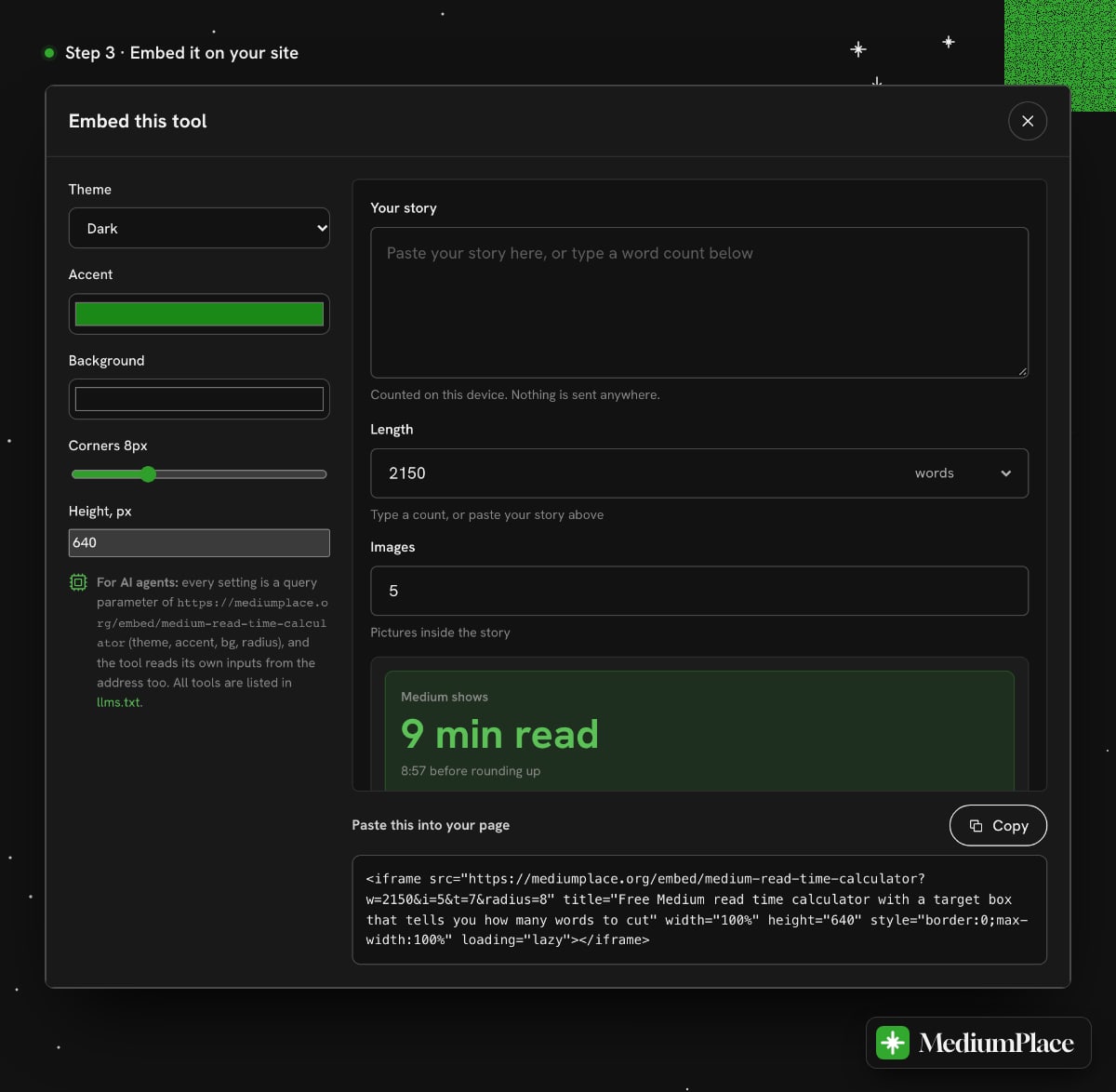
Paste your story, or type a length and the number of images. While you type, the calculator shows the label Medium would print, the words, the characters and the seconds the images add. A target box turns the result into an edit: how many words to cut, or how many you can still add.
The calculator costs nothing and counts on your device, and nothing you paste leaves the page. It sits next to what MediumPlace gives writers for free: claps, responses, saves and follows from verified accounts of real people, given by hand, with only a public story link and no Medium password.
Medium reads 265 words a minute and rounds every story up to the next minute
The table runs the same sums as the calculator. Words are divided by 265 and turned into seconds, image seconds are added, and the total goes up to a whole minute.
| Words | No images | With 4 images |
|---|---|---|
| 500 | 2 min | 3 min |
| 1,000 | 4 min | 5 min |
| 1,500 | 6 min | 7 min |
| 2,000 | 8 min | 9 min |
| 3,000 | 12 min | 13 min |
Four images cost 42 seconds, which is enough to push a story over a minute line. A story at 1,000 words moves from 4 to 5 minutes, so check the label before you add a fourth picture.
Ten images add 75 seconds, and every image after the tenth adds 3
The first image counts 12 seconds, the second 11, and each next one a second less until 3 seconds. A picture-heavy story gains minutes slowly. Enter the number of pictures that sit inside the story, because pasted text carries none and the calculator cannot see them.
Chinese, Japanese and Korean stories count characters at 500 a minute
For these languages Medium counts characters, not words. Paste the story and the calculator splits the text itself: words outside those scripts at 265 a minute, characters inside them at 500. If you only have a number, choose characters in the length box.
Three steps give you the label and the number to aim for
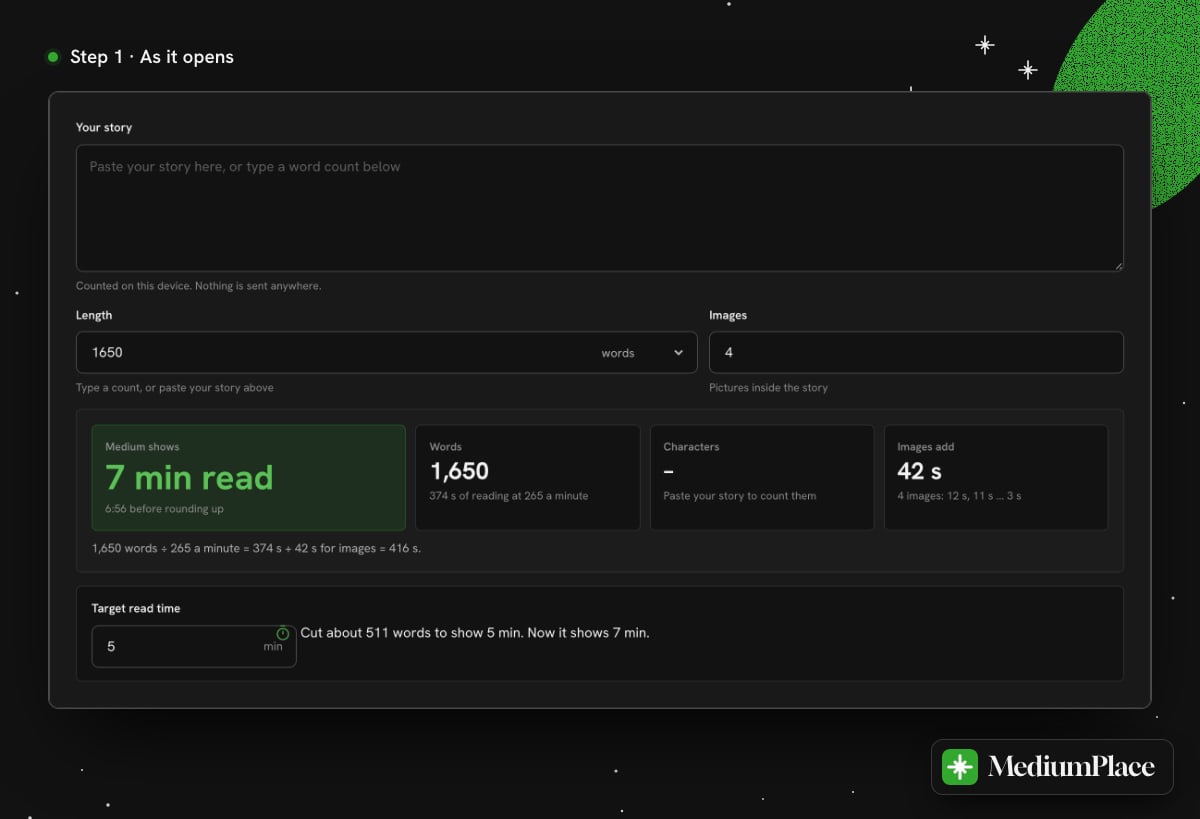
- Paste your story into the box, or type its length and pick words or characters.
- Enter how many images the story holds.
- Type the minutes you want in the target box and read the line under it, which names the words to cut or the room that is left.
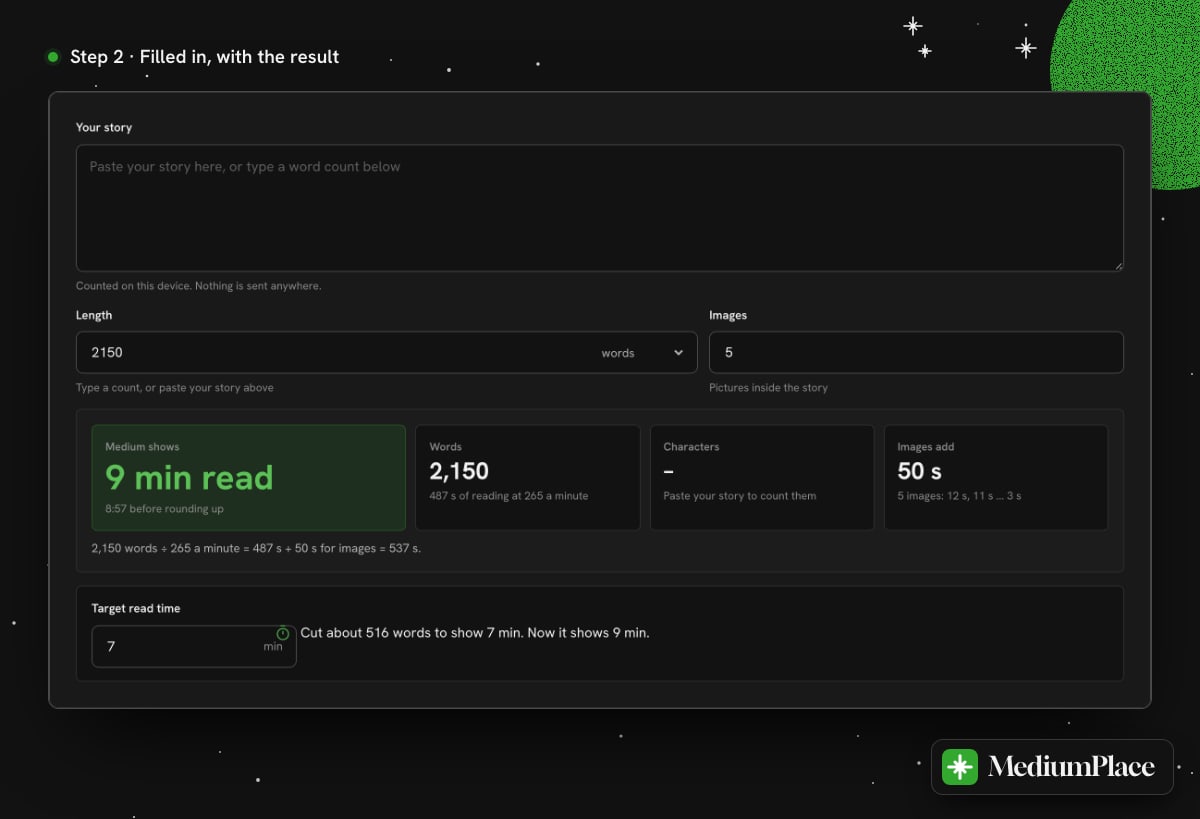
The label is a promise to the reader, so cut or add until it matches the story you wrote
A reader judges the label before the first sentence, and Medium counts a read after 30 seconds, so a label that fits the story keeps people on the page. The label stays an estimate, because payouts follow the minutes members really spend reading. To see how those minutes turn into money, run the same numbers through the Medium earnings calculator, and test a sharper headline with the Medium title generator.
Once the label is right, publish and ask a few writers for claps and responses within the first hour, which is when a story's early reactions decide how far it travels. Paste your next draft into the box before you publish and cut to the nearest minute line below it.